BodySync
A fitness and wellness app that keeps training, meals and progress in one clear place.
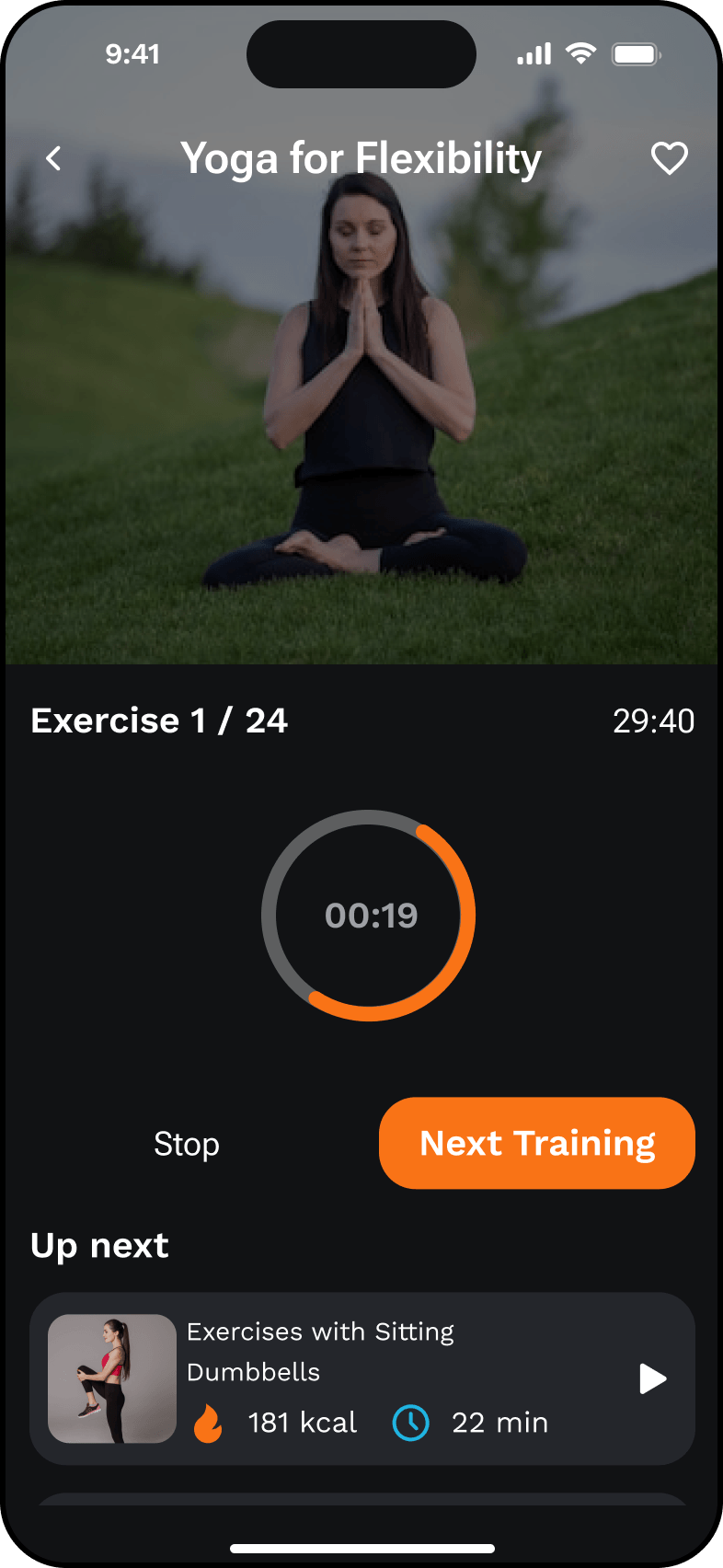
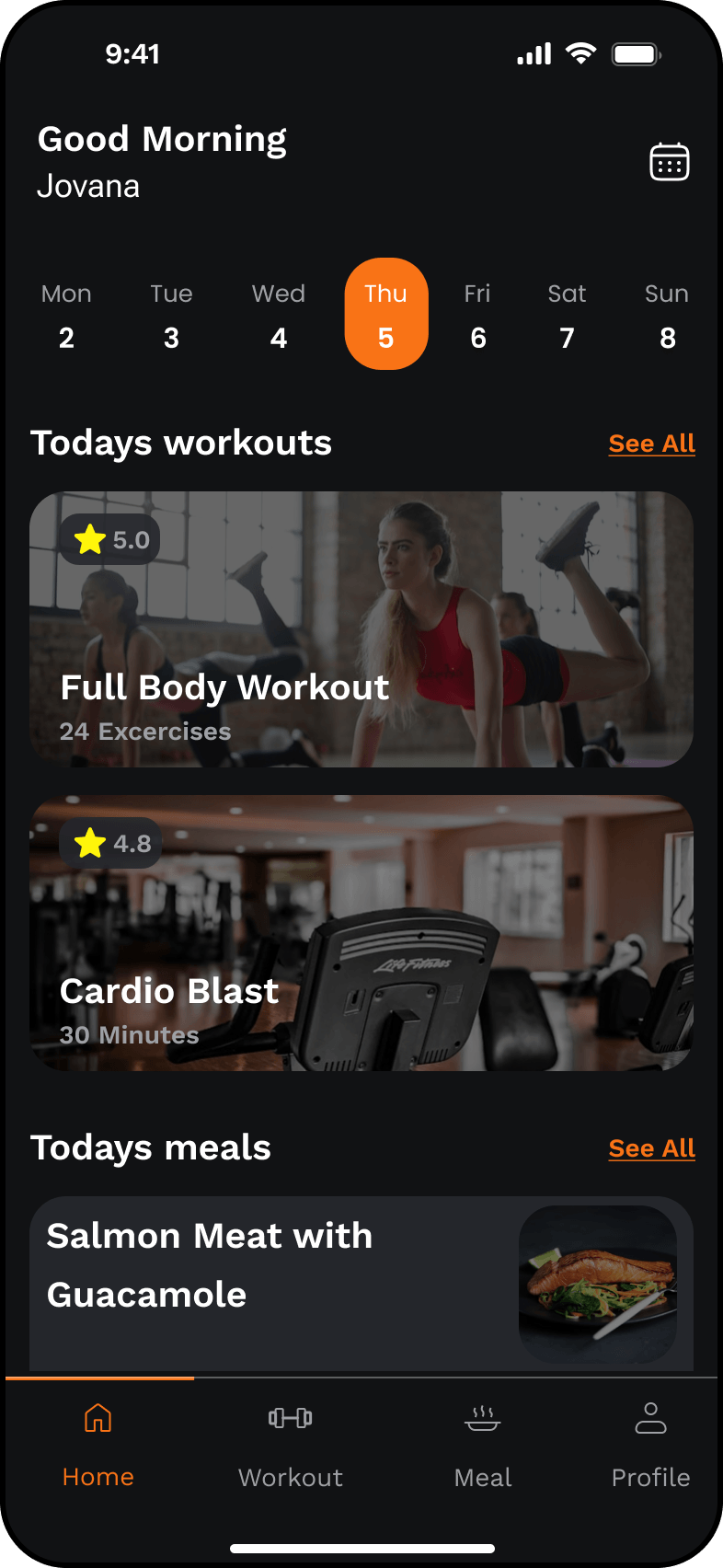
One place for training, meals and progress.
BodySync is a fitness and wellness mobile app concept. It brings the parts of a workout routine that usually live in different tools — the plan, the meals and the everyday tracking — into a single, focused experience.
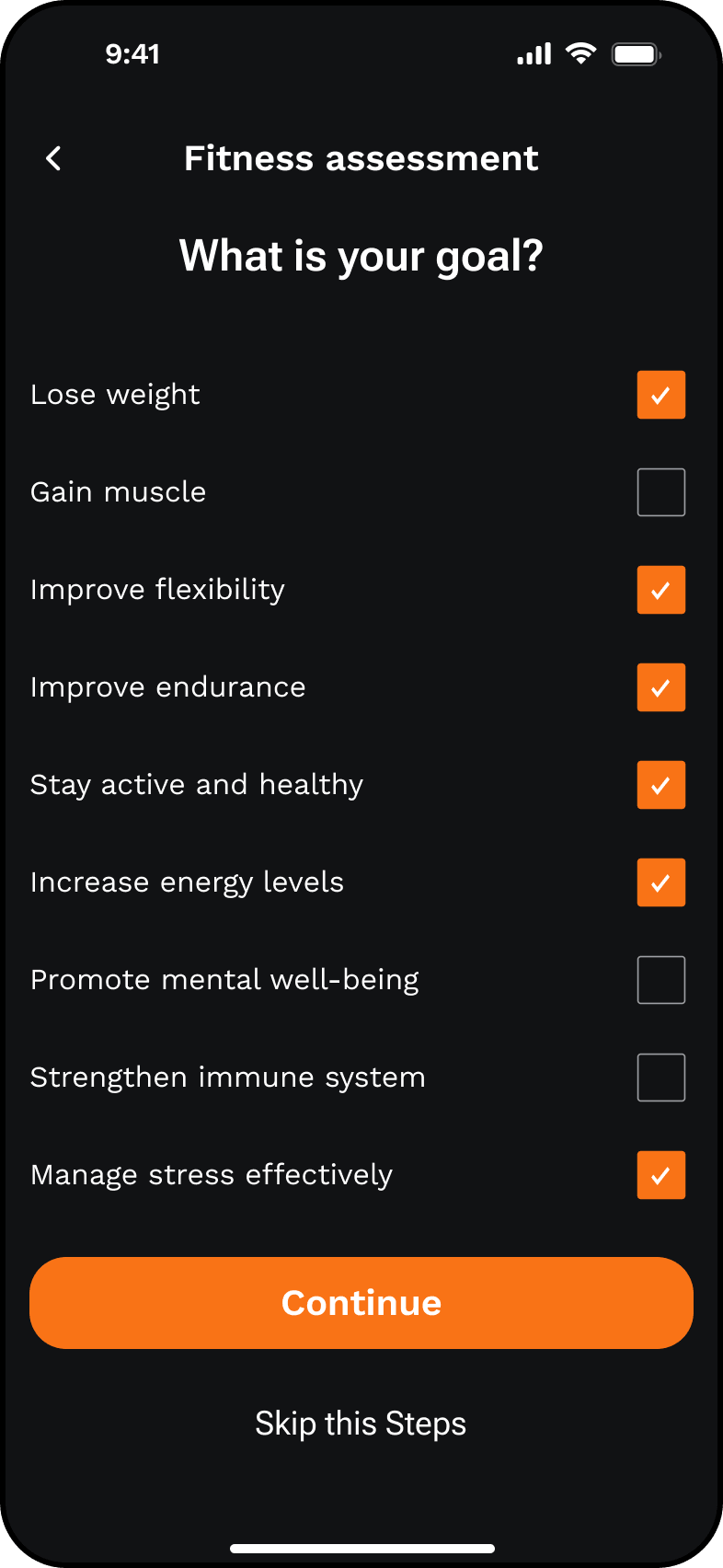
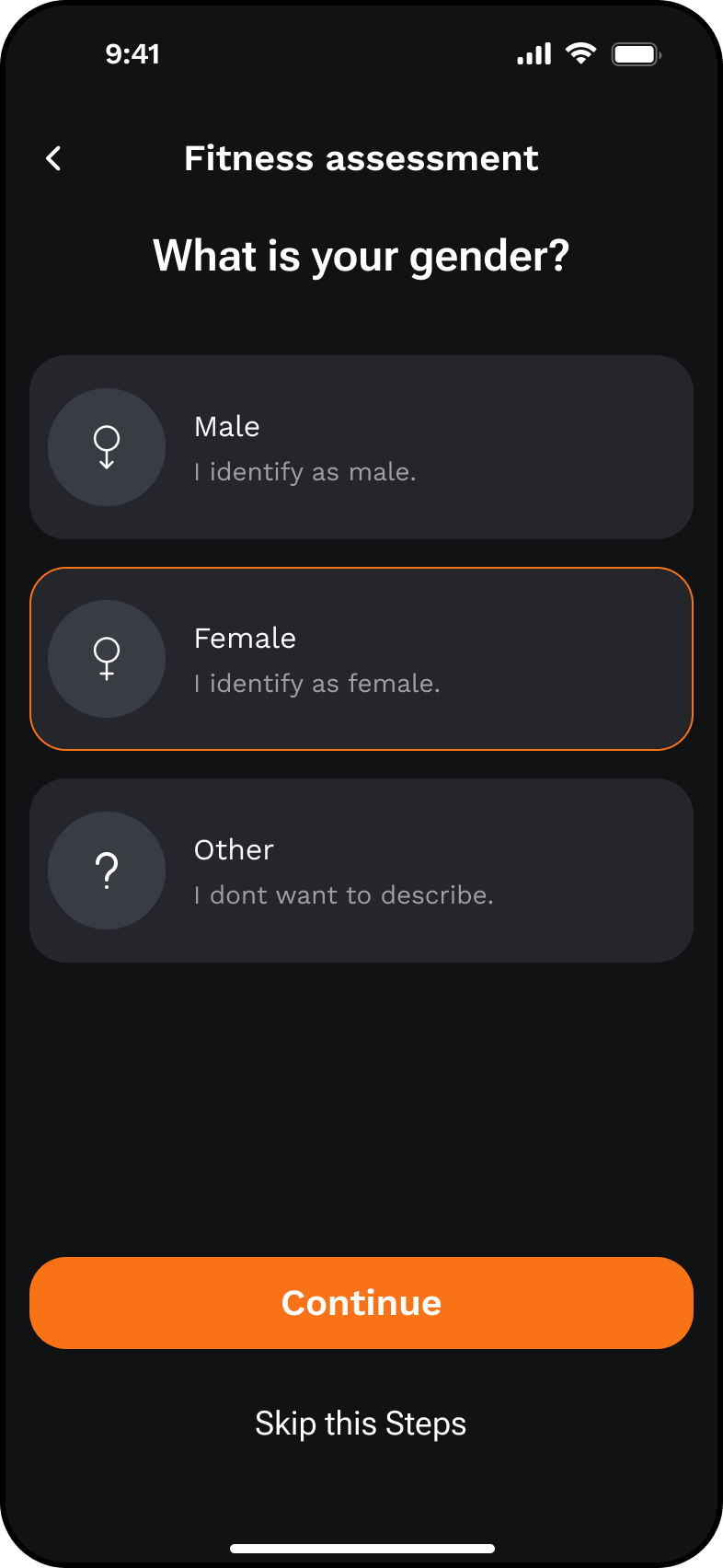
The product starts with a guided setup that collects the basics — gender, age, height, weight, goals, environment, exercise preference, weekly frequency, calorie target and sleep quality — then uses that context to shape the home dashboard, workout library and meal suggestions.
I designed the app end to end as an independent concept project, from the user flow and screen structure to the visual system, reusable components and an interactive Figma prototype.
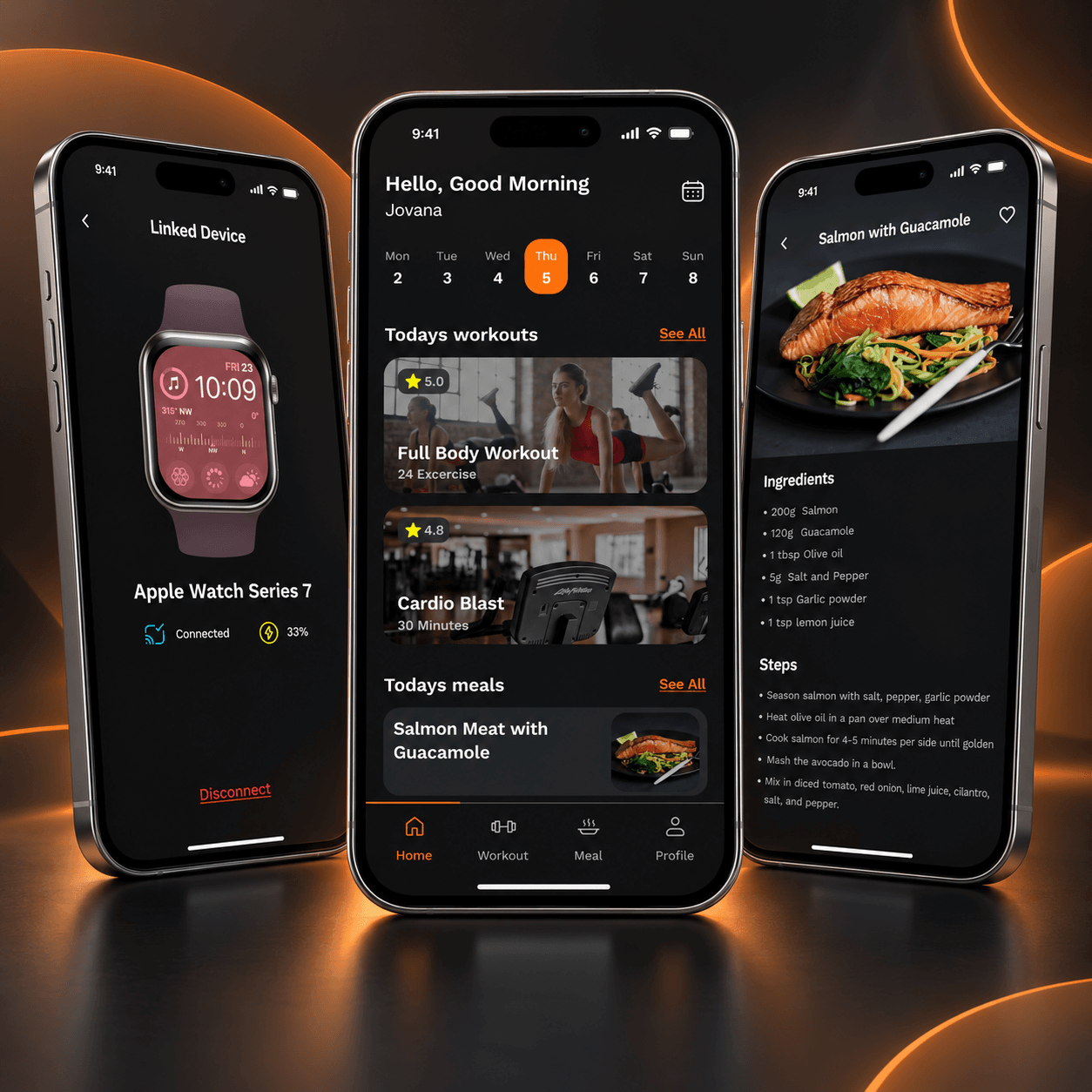
Making a broad fitness experience feel simple to use.
Fitness apps often try to cover a lot at once — workouts, nutrition, tracking, scheduling and settings — and quickly become dense and difficult to move through.
The setup flow alone collects a wide range of information, from body metrics and goals to preferences and lifestyle inputs. If those steps feel long or unclear, users lose interest before they even reach the main product.
The challenge was to keep the setup approachable, the daily experience calm and readable, and each core area — workouts, meals, profile — consistent in structure and behavior.
- Long, information-heavy setup
- Multiple content areas competing for attention
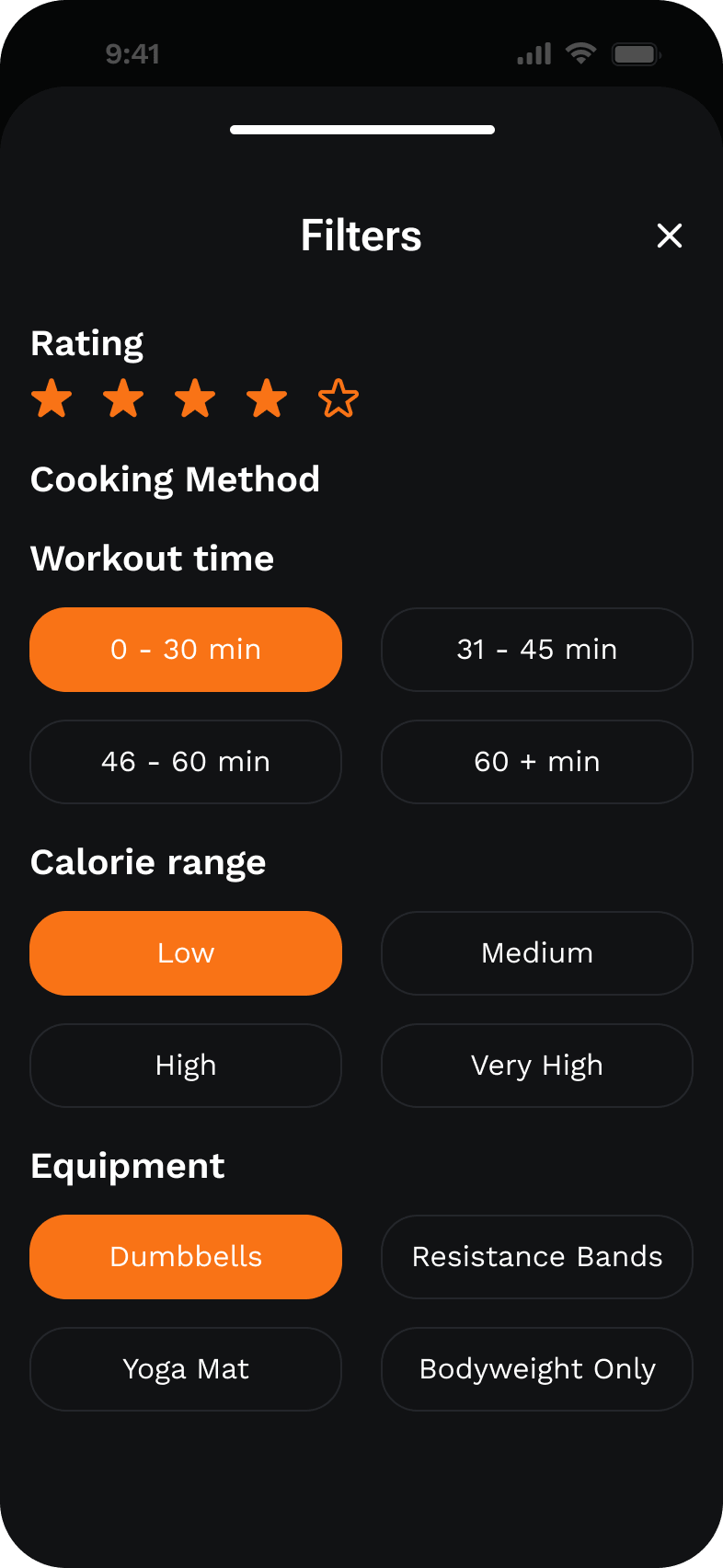
- Search, filters and details across workouts and meals
- Consistent look and feel across many screens
A clear, guided and consistent experience
End-to-end UX/UI design
I worked on BodySync as a solo, independent concept project — responsible for product structure, UX, UI, interaction design, prototyping and the underlying component system.
That included defining the flows, drafting the screen structure, designing the full high-fidelity UI, connecting the main paths in an interactive Figma prototype and building a component library the whole product could rely on.
- Product structure
- UX design
- UI design
- Interaction design
- Prototyping
- UI library / component system
- Figma
- FigJam
From flow to a working prototype
Four connected experiences
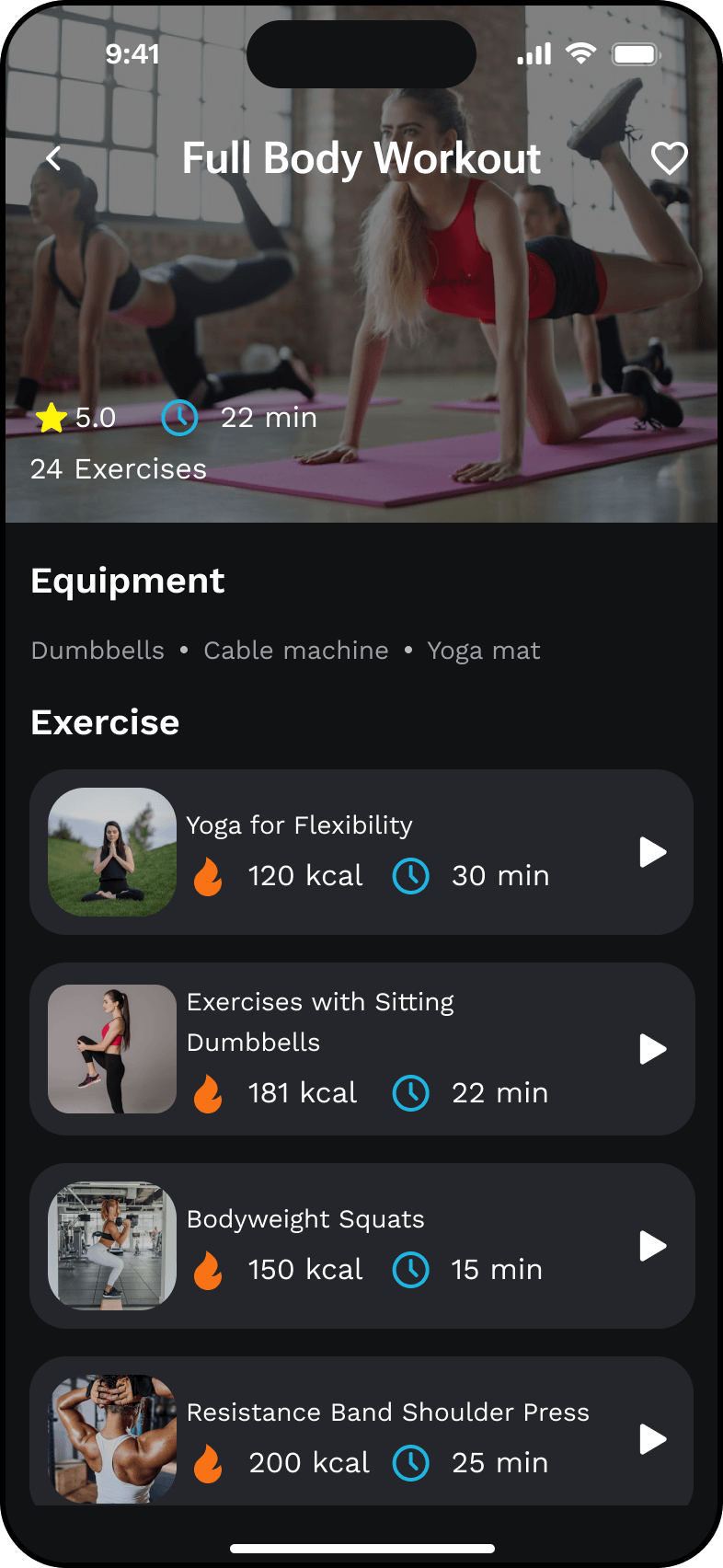
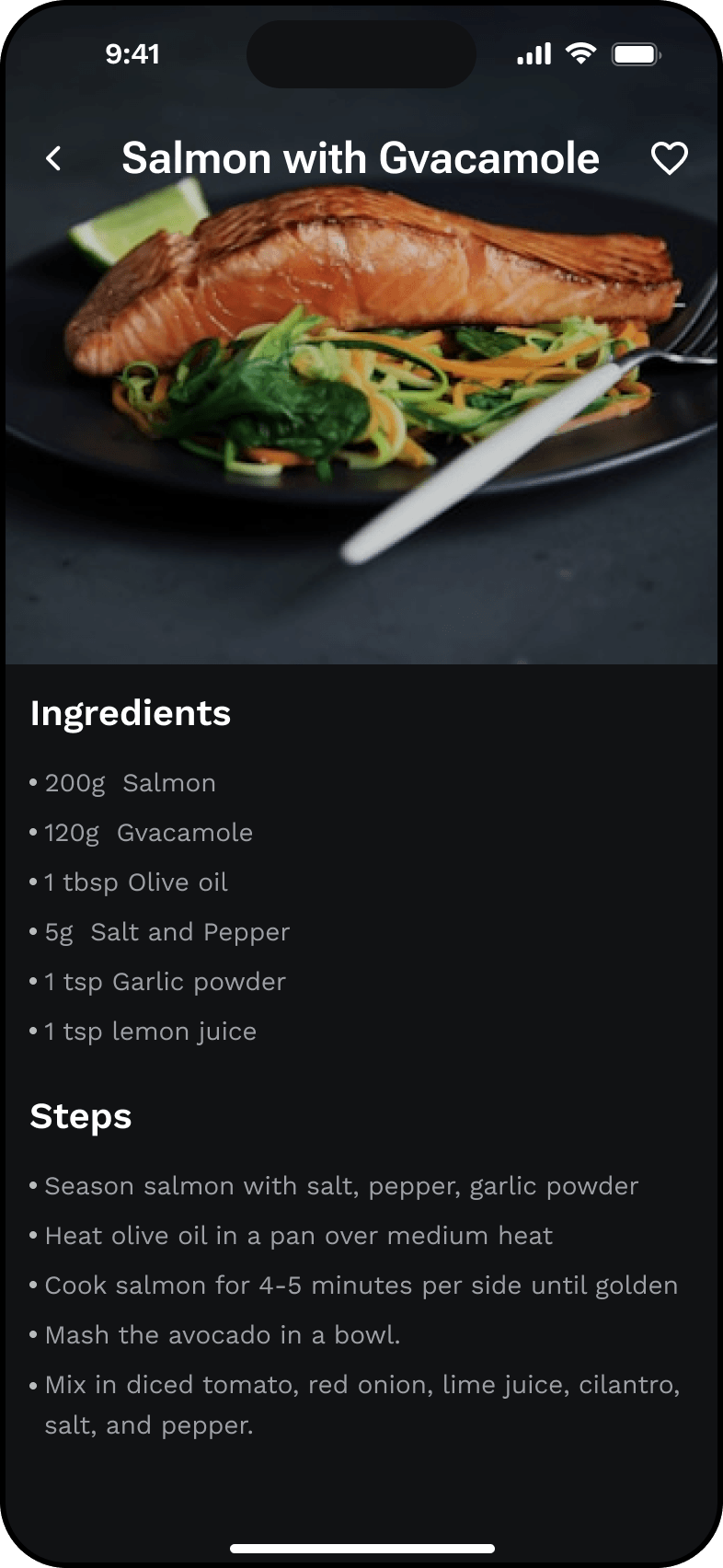
Choices that shape the everyday use
A dark base with one accent
Try the full experience
Move through onboarding, setup, home, workouts, meals and profile in a single connected prototype.
A complete concept ready to walk through.
BodySync ended as a full end-to-end concept — from onboarding and setup to workouts, meals, calendar, schedule and profile — with an interactive Figma prototype that connects the main paths.
The visual system, components and interaction patterns are shared across every area, so the app feels the same whether you're picking a recipe or reviewing a workout.
As a concept project, the outcome is the finished experience itself — the flow, the interface and the reusable UI library — rather than business or usage metrics.
- End-to-end product concept
- Interactive Figma prototype
- Reusable UI library across 46 screens
- Consistent structure across five product areas
A few takeaways from designing a broad product on my own.
Design the system early, not at the end. Building buttons, inputs, tabs and progress bars as variants from the beginning made every new screen faster and kept the product visually consistent.
Split heavy flows into calm steps. Breaking the setup into one question per screen made a long flow feel manageable and gave each answer room to breathe.
Repeat patterns, don't reinvent them. Using the same list, search, filter and detail pattern across workouts and meals made the app feel intentional instead of assembled.
All screens from the project
47 screens · click any to open the viewer